Line Number❖
kivydk.uix.line_number
Overview❖
This module provides the LineNumber widget, a companion component for
TextInput that renders synchronized line numbers
alongside editable text.
Is intended for use in text editors, code editors and any UI
component where visible line numbering is required. The widget integrates
cleanly with both standalone TextInput instances and TextInputs embedded inside
a ScrollView.
The LineNumber widget handles automatic sizing, vertical alignment and scroll synchronization, ensuring that the displayed line numbers always match the visible portion of the associated TextInput.
HISTORY
The LineNumber widget was originally developed in September 2022 as a proof‑of‑concept. Early versions rendered all line numbers regardless of visibility, which caused significant performance issues when testing with large documents (40,000+ lines).
In 2024, the widget was redesigned using a visibility‑based rendering strategy, reducing update times from several minutes to a few seconds. The current implementation is fully optimized and integrated into KiviDK, replacing the deprecated standalone repository.
Example❖
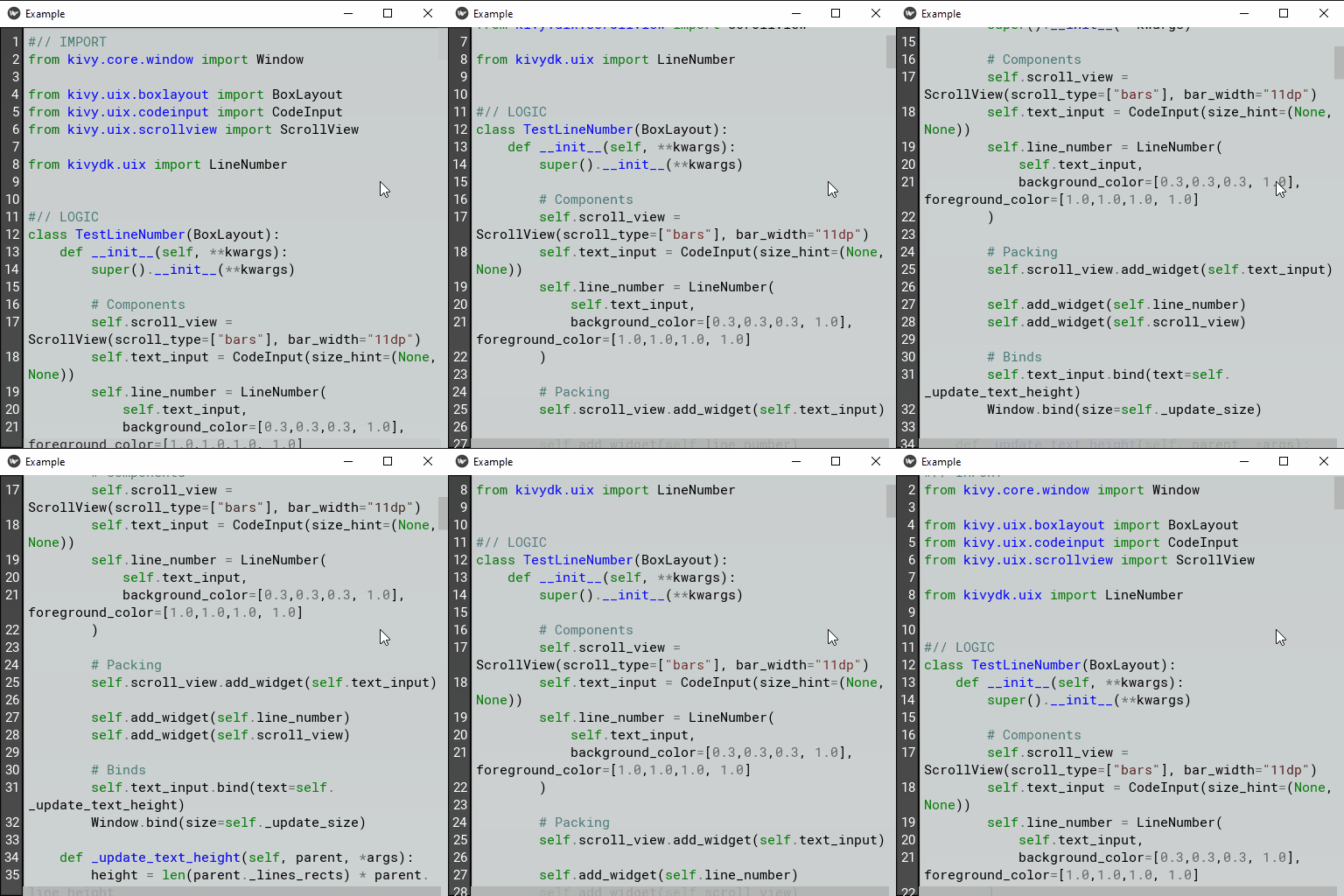
Sample demonstrating how LineNumber can be used to draw the line numbers.
 1#// IMPORT
 2from kivy.uix.boxlayout import BoxLayout
 3from kivy.uix.codeinput import CodeInput
 4from kivy.uix.scrollview import ScrollView
 5
 6from kivydk.uix import LineNumber
 7
 8
 9#// LOGIC
10class TestLineNumber(BoxLayout):
11    def __init__(self, **kwargs):
12        super().__init__(**kwargs)
13
14        # Components
15        self.scroll_view = ScrollView(scroll_type=['bars', 'content'], bar_width="11dp")
16        self.text_input = CodeInput(size_hint_y=None)
17        self.line_number = LineNumber(
18            self.text_input,
19            background_color=[0.3,0.3,0.3, 1.0], foreground_color=[1.0,1.0,1.0, 1.0]
20        )
21
22        # Packing
23        self.scroll_view.add_widget(self.text_input)
24
25        self.add_widget(self.line_number)
26        self.add_widget(self.scroll_view)
27
28        # Binds
29        self.text_input.bind(text=self._update_text_height)
30        self.scroll_view.bind(size=self._update_text_height)
31
32    def _update_text_height(self, *args):
33        height = len(self.text_input._lines_rects) * self.text_input.line_height
34        height += self.text_input.padding[1] + self.text_input.padding[3]
35
36        self.text_input.height = max(height, self.scroll_view.height)
37        self.line_number.refresh()
38
39
40#// RUN FILE
41if __name__ == "__main__":
42    from kivydk.app import App
43
44    class Example(App):
45        def build(self):
46            return TestLineNumber()
47
48    Example().run()
Reference❖
- class LineNumber(text_input: TextInput, **kwargs)❖
Bases:
WidgetWidget that displays line numbers for a linked
TextInput.A
TextInputinstance must be provided as thetext_inputargument. It is used to extract line information, wrapping state, scroll position and all metrics required to compute the widget’s size and vertical placement.When used together with a
ScrollView, theLineNumberwidget must be placed outside the ScrollView. Its height and vertical offset are calculated automatically so that the visible line numbers remain synchronized with the associated TextInput, regardless of whether the TextInput is scrollable or not.The widget updates dynamically based on the state of the linked TextInput, including text changes, wrapping, scrolling and font metrics.
- align: OptionProperty❖
Horizontal alignment of the line numbers.
Options
This attribute accepts only the following options:
"left""center""right"Default value❖"right"
- background_color: ColorProperty❖
Tint color applied to the
background_texture.Default value❖[1.0, 1.0, 1.0, 1.0]
- background_texture: StringProperty❖
Background image applied to the entire widget.
Default value❖"atlas://data/images/defaulttheme/textinput"
- background_border: VariableListProperty❖
Border definition used when rendering
background_texture. This controls how the texture is sliced, allowing custom backgrounds to be applied.The
background_bordermay be specified as one , two or four values. These are expanded into a list of four values:[left, top, right, bottom].Default value❖[4, 4, 4, 4]
- foreground_color: ColorProperty❖
Color used to render the line numbers, in RGBA format.
Default value❖[0.0, 0.0, 0.0, 1.0]
- font_context: StringProperty❖
Font context used to render the line numbers.
Technical details
The font context determines how font files are grouped and resolved. When set to None, the font is used in isolation, guaranteeing that rendering uses the TTF file specified by
font_name. When a context name is provided, the font file is loaded into that context, enabling fallback between all fonts registered within it.When a font context is active, rendering is not guaranteed to use the specified TTF file for every glyph. Pango may substitute glyphs from other fonts in the same context if it considers them a better match.
If Kivy is linked against a system-wide installation of FontConfig, you can load system fonts by using a context name that begins with the special prefix
system://. This loads the system fontconfig configuration and then adds your application-specific fonts on top of it. Be aware that this increases the risk of family-name collisions and Pango may choose a system font instead of your custom font file.Note
This feature requires the Pango text provider.
Default value❖None
- font_family: StringProperty❖
Font family used to render the line numbers.
Technical details
This option is only relevant when using the
font_contextsetting. The specified font family will be requested from the active font context, but it may not exist or multiple fonts may share the same family name.The value must be a family name (string) available in the selected font context—for example, a system font in a
system://context, or a custom font registered throughkivy.core.text.FontContextManager. If set to None, font selection is determined by thefont_nameattribute.Tip
When referencing a custom font file via
font_name, this attribute should remain None. The family name is automatically managed in that case.Note
This feature requires the Pango text provider.
Default value❖None
- font_name: StringProperty❖
Font name or file used to render the line numbers.
Technical details
The path may be absolute or relative. Relative paths are resolved using
resource_find.Warning
Depending on the active text provider, the specified font file may be ignored. In most cases, however, it works without issues.
If the selected font does not contain the glyphs required for the language or symbols you are displaying, missing characters will appear as blank box placeholders (‘[]’). To avoid this, choose a font that includes the necessary glyphs.
Note
When the default value is None, Kivy falls back to the
Robotofont. This default is taken fromConfig.Default value❖None
- font_size: NumericProperty❖
Font size used to render the line numbers.
Default value❖"15sp"
- padding: VariableListProperty❖
Horizontal padding applied to the line numbers.
The
paddingmay be specified as one or two values. These are expanded into a list of two values:[left, right].Default value❖[4, 4]
- width_min: NumericProperty❖
Minimum desired width of the widget.
The actual width is computed automatically based on
padding,font_size, the active font and the current line‑number context. This property ensures that the computed width is never smaller than the specified minimum.Default value❖"18sp"
- refresh(delay: int | float = -1) None❖
Schedule a re-render of the line numbers.
Parameters
Name
Description
delay
Delays the refresh by the given number of seconds.
Note
A delay of
0schedules the update for the next frame, while a negative value triggers the update immediately within the current frame.